After enabling login authentication function on Foscam app, each time user want to login this Foscam account, there is a need to enter verification code which sent from no-reply@info.myfoscam.com
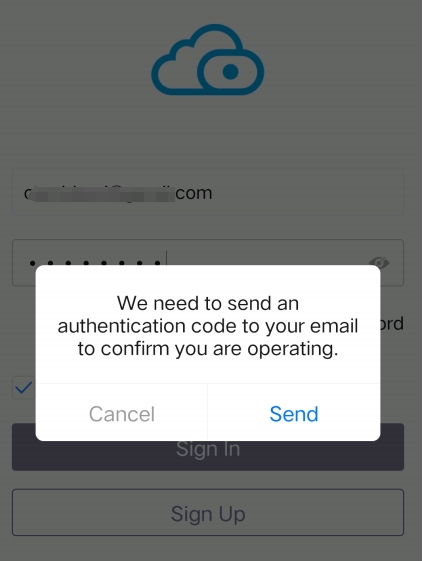
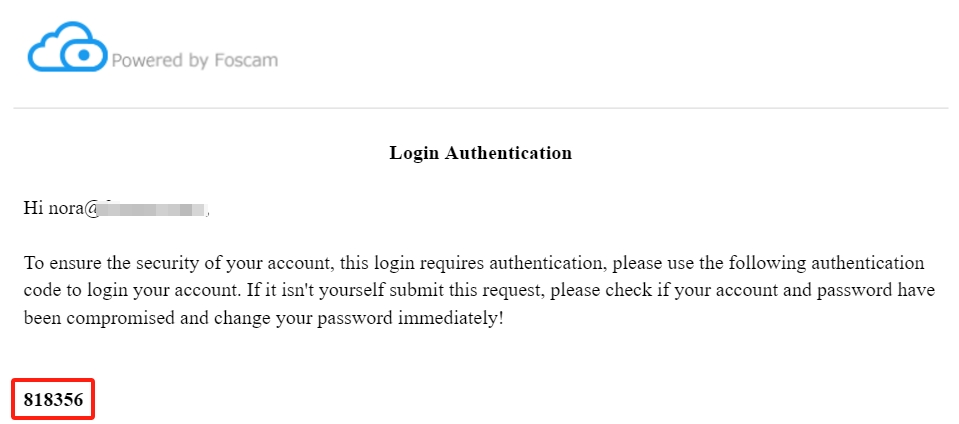
If you want to login Foscam app without entering verification code, please refer to below steps to disable the login authentication function.
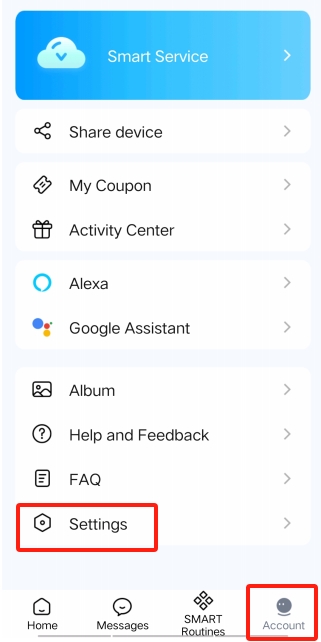
Step1: Open your Foscam app than tap on Account>>Settings. After you open Foscam app, you will see home page first, Account option is on the right side of home page.
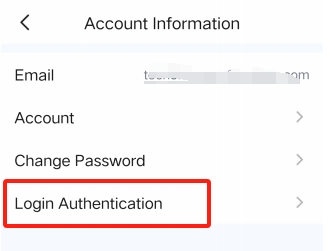
Step2: Tap on Account Information option.
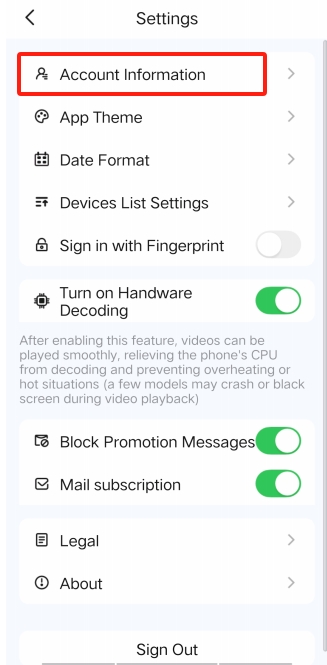
Step3: Tap on Login Authentication
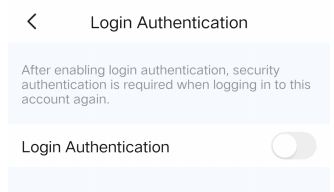
Step 4: Disable that option
Was this article helpful?
Contact information
Full name *
Email *
Telephone number
Camera model
Help Topic *
Ticket Details
Please describe your problem as detailed as possible so that we can assist you in the best possible way
Title *
Submit